

Rules
Overview
Security rules in Scalr are how admins can enforce rules on the entire account. The permission security-rules:update is required to make updates to any of the security rules. All security rules can be configured at the admin level under security -> rules.
API Tokens Max Lifetime
Account admins can set maximum lifetimes for personal or service account tokens through the account security rules. The max lifetime is set in minutes and can be up to one year (525,600 minutes)
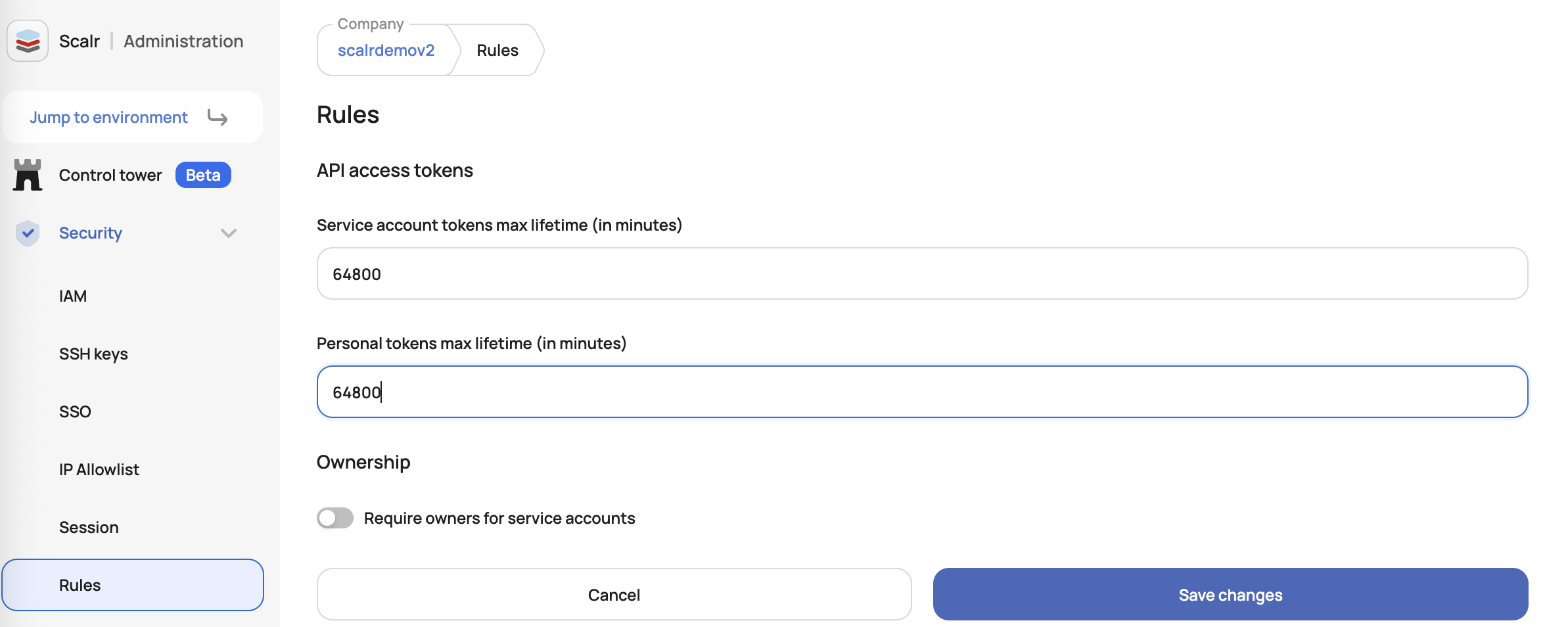
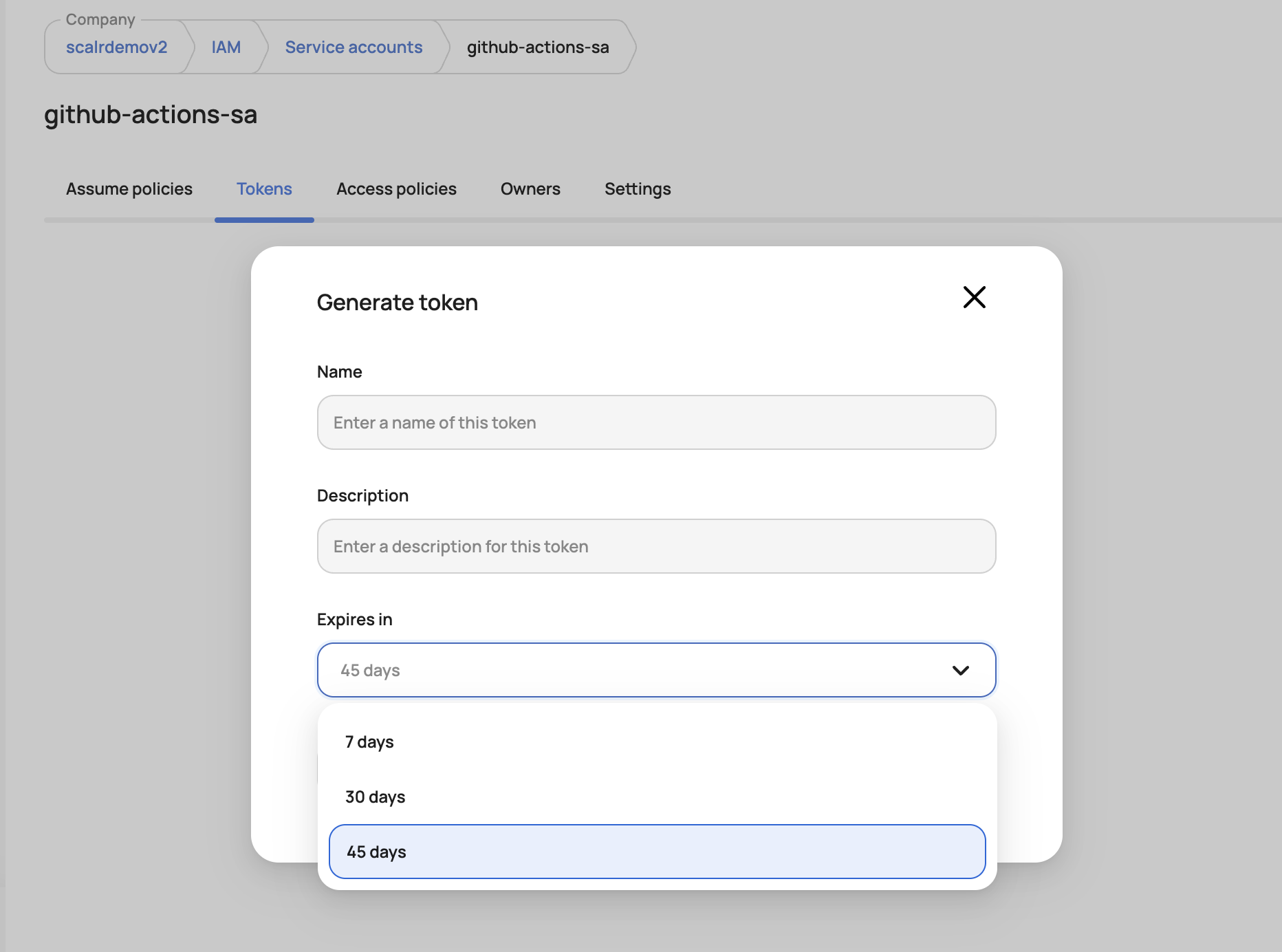
After it is set, users will not be able to set an API token lifetime higher than the limit specified:
Use the Scalr MCP serverThe Scalr MCP Server can pull usage data for every access token in the account, then cross-reference it against the current list of users and service accounts. Ask your AI assistant to find tokens that haven't been used in 30+ days and belong to a user who's no longer active, or a service account that no longer exists — turning a routine rotation reminder into an actual, prioritized revocation list.
Service Account Owner
Forcing service account owners helps reduce the risks of orphaned API tokens or unauthorized access. When enabled, this rule requires at least one owner team to be assigned during service account creation or updates, with validation preventing operations without proper ownership assignment. Account admins can activate this feature through the "Require service account owners" toggle.
Module namespace owners
Enable require owners for module namespaces under Security → Rules to require at least one team owner when creating or updating a module namespace. The rule is off by default and applies to both the UI and API, including namespaces shared with all environments.
Saving a namespace without owners is blocked with the error "At least one owner is required for module namespaces". This includes removing the last owner or updating environment access on an ownerless namespace. The blocked save is recorded as a failed action in the audit log.
Existing ownerless namespaces and their modules remain available after the rule is enabled. The namespace list flags them, and namespace settings show a compliance warning until an owner is assigned. Add an owner team in the namespace's General tab before saving changes.
Users with security-rules:update can disable the rule to allow ownerless namespaces again. Changes to the rule are recorded in the audit log.
Provider configuration owners
Enable require owners for provider configurations under Security → Rules to require at least one team owner on every provider configuration. The rule is off by default and applies to saves from the UI, the API, and the Scalr Terraform provider. It also applies to configurations shared with all environments.
When the rule is on, any save without an owner fails with "At least one owner is required for provider configurations." This includes updates that remove the last owner and edits to an existing ownerless configuration that don't add an owner. Blocked saves appear as failed operations in the audit log.
Existing ownerless configurations keep working in runs. The provider configuration list and settings page flag them as noncompliant until you assign an owner in the Owners tab. After you disable the rule, you can save ownerless configurations again. Changes to the rule are recorded in the audit log.
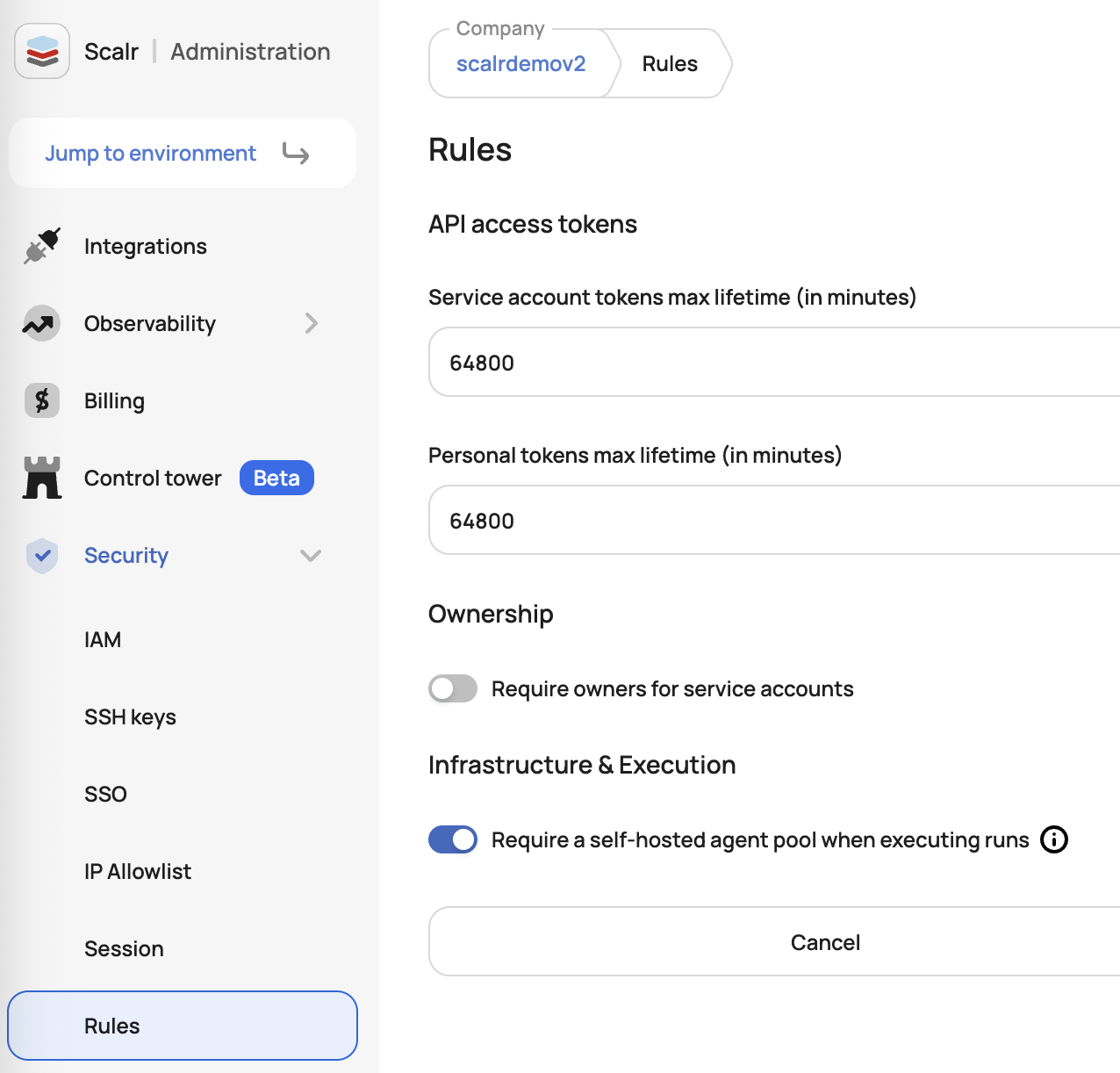
Enforce Execution on Self-Hosted Agents
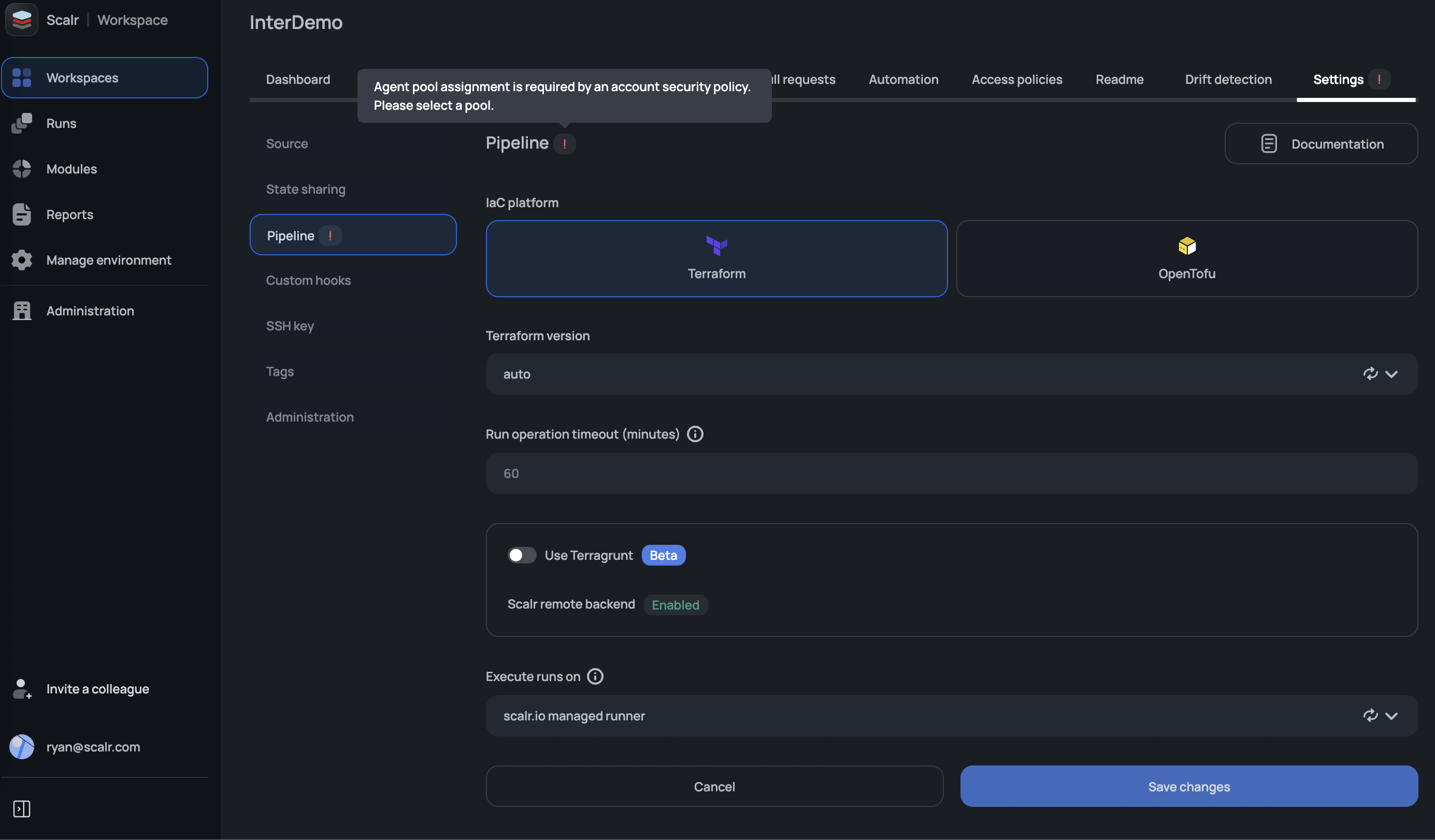
Admins can enable a security rule that requires all workspaces to run on self-hosted agents. When enabled, all new and existing workspaces must have a self-hosted agent pool configured to execute runs or save workspace updates.
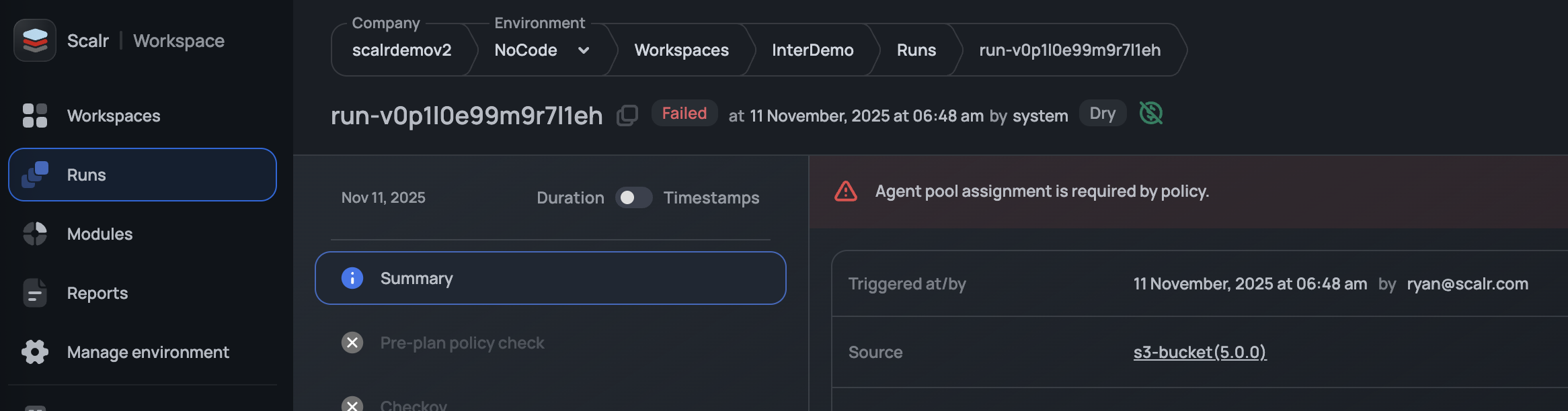
If users try to execute a run without a self-hosted agent set in the workspace, it will error:
Workspaces cannot be updated until the self-hosted agent is set in the pipeline settings:
Workload Identity Policies
Assume policies control which external workloads can exchange an OIDC token for a Scalr service account token. Each policy matches on claims from the incoming token, and the operator you choose decides how strictly the claim value is compared.
A contains condition matches anywhere inside the claim value. A policy whose only condition is sub contains "my-org/my-repo" will also accept a token from other-org/my-repo-fork, so one loose condition can hand a service account to a workload you never intended to trust.
When this rule is enabled, Scalr rejects any assume policy that relies on contains matching alone. Every policy must carry at least one anchored condition, meaning an exact match or a match anchored to the start or end of the claim value.
Account admins turn the rule on under Security → Rules. It is off by default and applies to new or edited assume policies and to sign-ins going forward. Existing policies stay in place, and running workloads are unaffected until you edit the policy again.
Updated 14 days ago